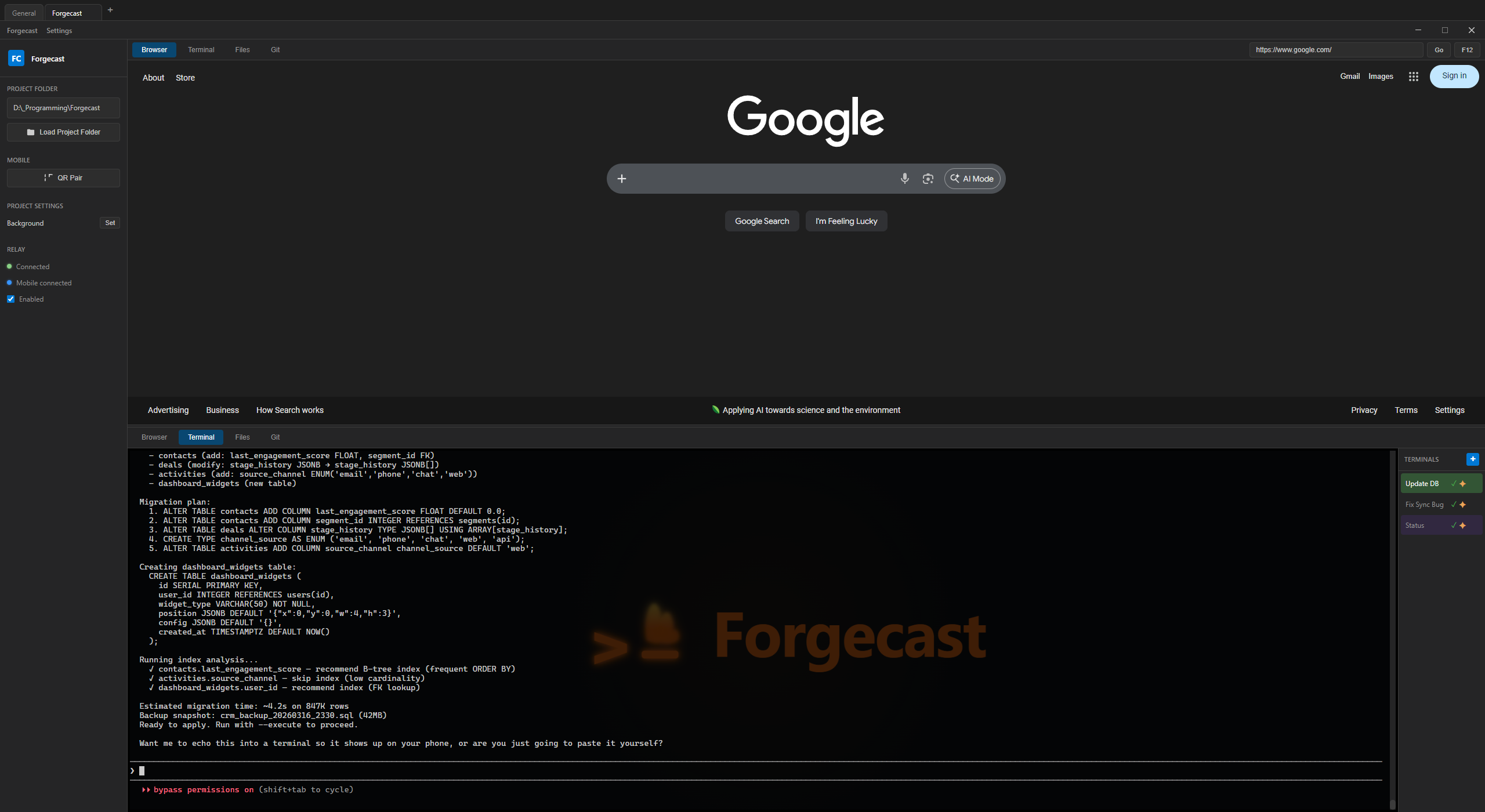
Forgecast is a terminal manager for Claude Code with a mobile companion app.
Your terminals,
everywhere.
Manage your terminals on desktop. Monitor them from your phone. Know when Claude Code finishes — without touching your keyboard.
Free. No account required.
Features
Everything a terminal manager should be.
And a few things no one else thought to build.
Mobile Companion
Open your phone, see your terminals. Tap to type. No SSH, no port forwarding. Pair with a QR code in 2 seconds.
Claude Session Alerts
Your phone buzzes when Claude finishes a task. Walk away from your desk without wondering “is it done yet?”
Session Persistence
Close the app, reboot, update — your terminals come back exactly where you left them. Scrollback, CWD, Claude sessions, everything.
Access From Anywhere
On your home WiFi? Direct connection. Out and about? The relay server bridges desktop and mobile with zero config.
Remote Logcat Bridge
Developing a mobile app? Stream Android logcat from any app on your phone back to your terminal. Debug remotely via curl.
Make It Yours
Named terminals, custom colors, background images. Each terminal is yours to organize and personalize however you want.
How It Works
Desktop power. Mobile freedom.
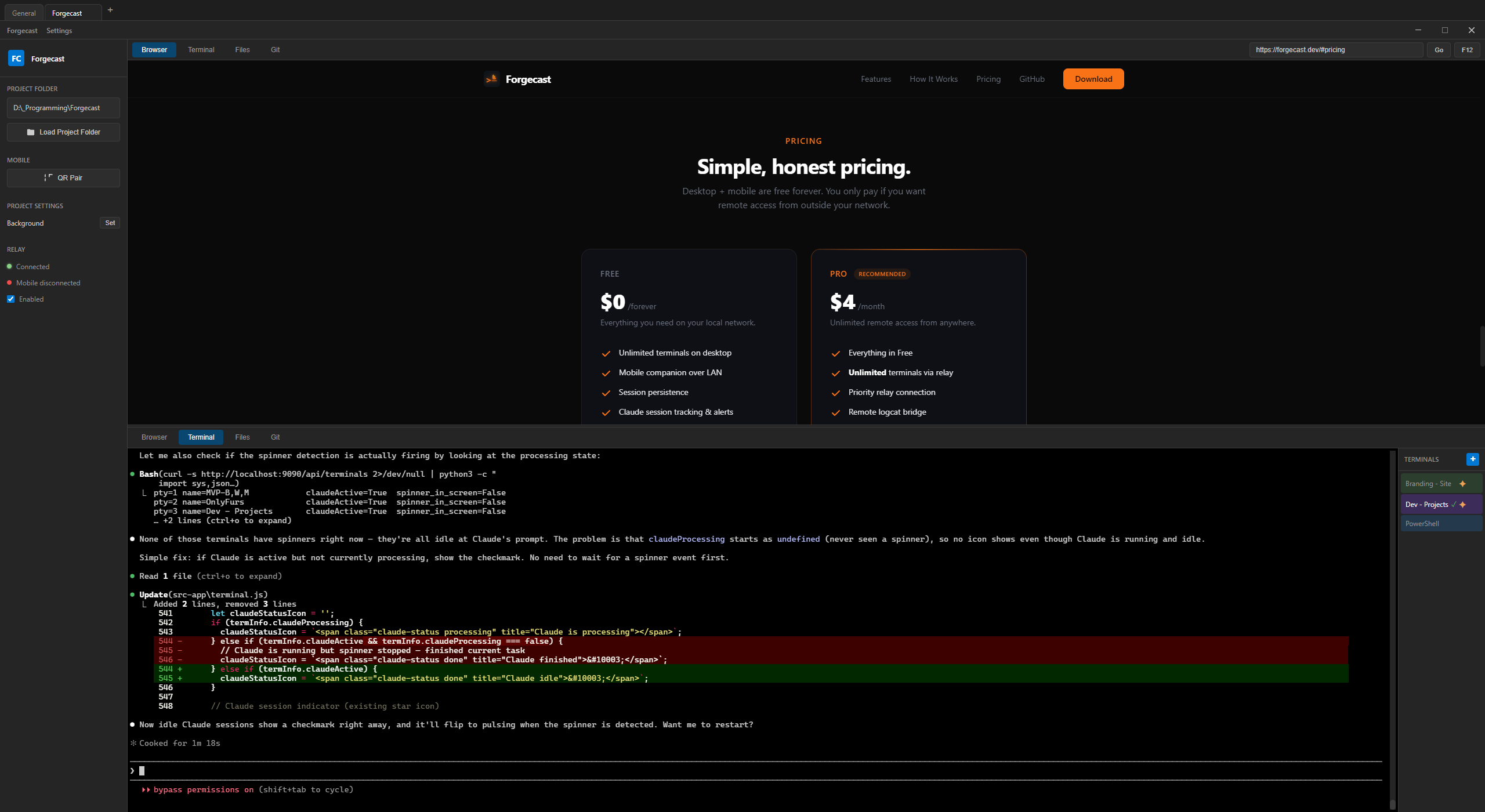
Forgecast runs on your desktop and mirrors everything to your phone.
Your desktop runs the show.
Forgecast manages all your terminal sessions — PTYs, scrollback, shell integration. It’s your terminal manager with Claude session tracking, git context detection, and auto-resume built in.
- Multiple terminals with tabs and panes
- Full session persistence across restarts
- Shell integration (PowerShell, Bash, Zsh)
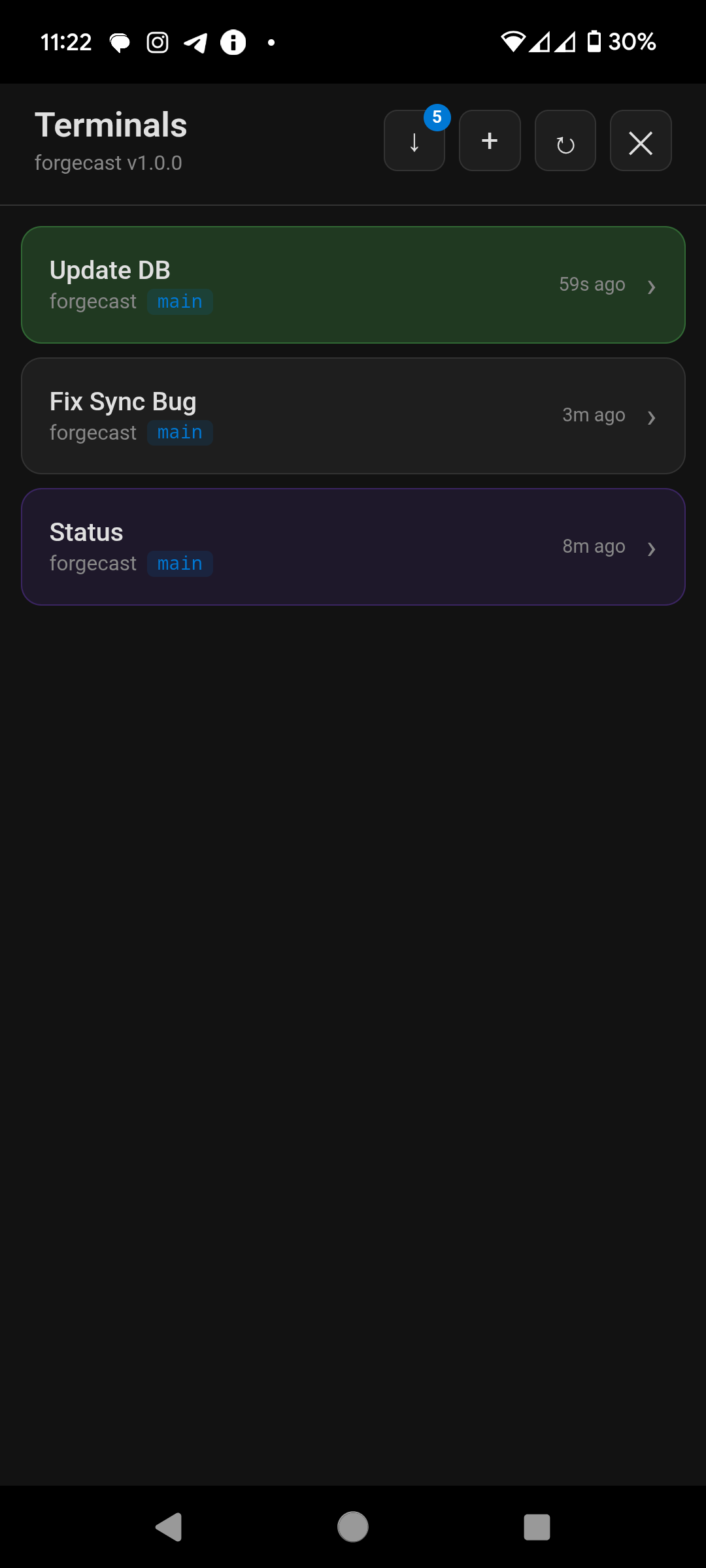
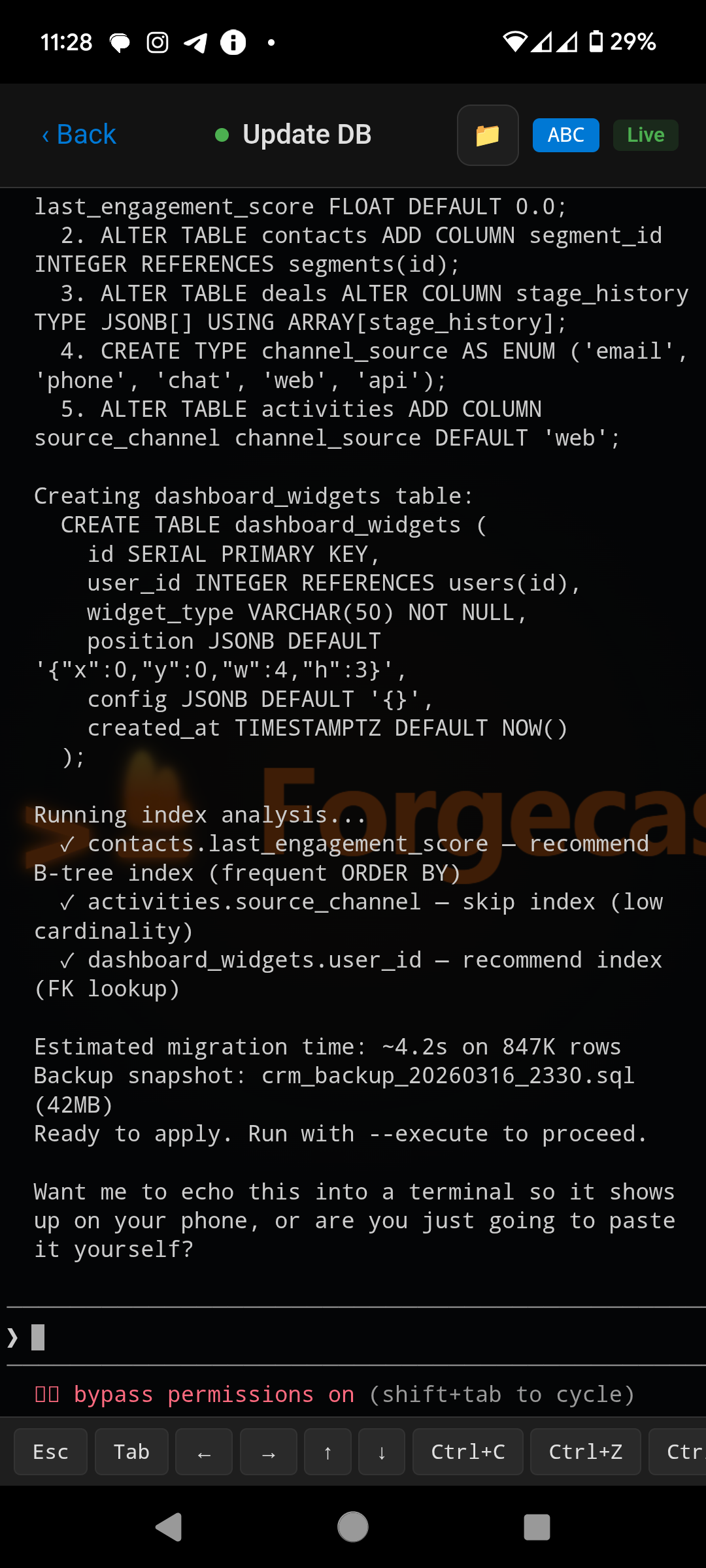
Your phone keeps you connected.
The mobile companion pairs in 2 seconds via QR code. See every terminal, scroll through output, type commands. Push notifications when Claude finishes. Works on LAN or remotely via relay.
- QR code pairing — no IP addresses
- Real-time terminal mirroring
- Push notifications for Claude sessions
Early Users
What developers are saying.
“I can finally walk away from my desk and know exactly when Claude is done. The mobile companion is the feature I didn’t know I needed.”
“Session persistence alone is worth it. Add mobile access on top and it’s a no-brainer. Replaced my whole tmux + SSH setup.”
“The logcat bridge is genius. I debug my Android app from a Claude terminal. No USB cable, no Android Studio.”
Free for everyone
Forgecast is free. Everything.
Every feature, every terminal, unlimited relay access. No accounts required, no trials, no catches.
Like what we're building? Support development — entirely optional, nothing locked behind it.
FAQ
Questions & answers
Is Forgecast free?
Yes. Every feature, every terminal, and unlimited relay access are free, with no account and no trial. Supporting development is entirely optional and nothing is locked behind it.
What is Forgecast?
Forgecast is a desktop terminal manager that owns all your terminals and doubles as the server for its Android companion app, so you can watch your sessions from anywhere.
Does Forgecast work with Claude Code?
Yes, that is the point. Forgecast tracks your Claude Code session state and sends your phone a notification the moment a session finishes or needs input, so you can step away from your desk.
How does my phone connect to my desktop?
Pair once by scanning a QR code. After that your phone reaches your desktop directly on the same network, or from anywhere through the Forgecast relay.
What platforms does it support?
The desktop app runs on Windows 10 and 11. The companion app is an Android APK. There is no iOS build right now.
Do I need an account?
No. There is no sign-up and no login. Download it and go.
Ready to try Forgecast?
Free, no account required. Just download and go.
Download from GitHubWindows 10+ · Android companion APK also available
Windows may show an “Unknown publisher” warning.
That’s normal for indie apps without an expensive code-signing cert. Click More info → Run anyway.